Ecos Select
The component is designed for selecting a value from a list. Based on the standard formio Select component, it has been modified so that the list of possible values is generated automatically.
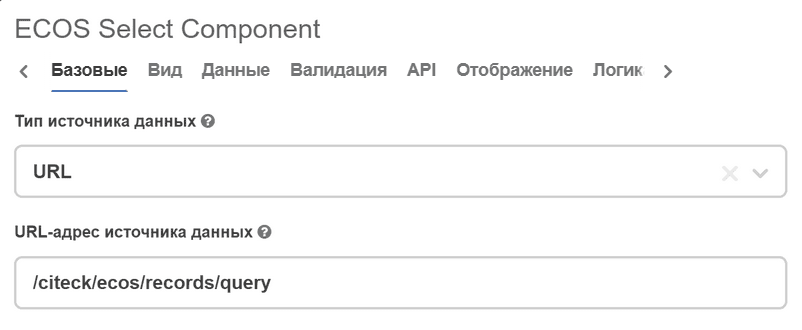
If the attribute type is an enumerated value. For example, a status that is set in the type. To do this, in the Data tab, set the Data Source Type field to URL, and in the Data Source URL field, specify the value /citeck/ecos/records/query.
It is sufficient to specify the attribute in the API tab as shown above.
Value in view mode
In the component, the list is represented as a set of objects with value & label properties.
There are two modes for displaying the value on the card:
text;
link (by default)
The display is affected by:
the flag Display selected value as a text. Default value is link;
formation of the list of elements
If the flag is set - text.
If a recordRef value is specified (this may be relevant when value differs from recordRef for link formation), then it is represented as a link.
If the parameters are not suitable - text.
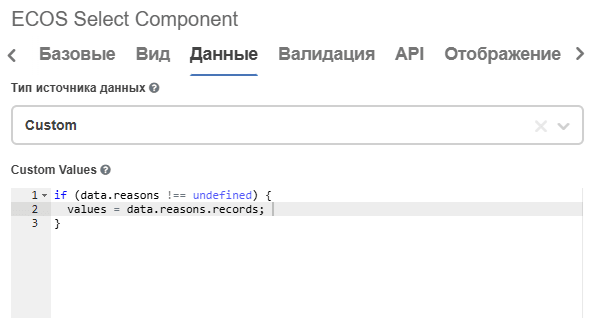
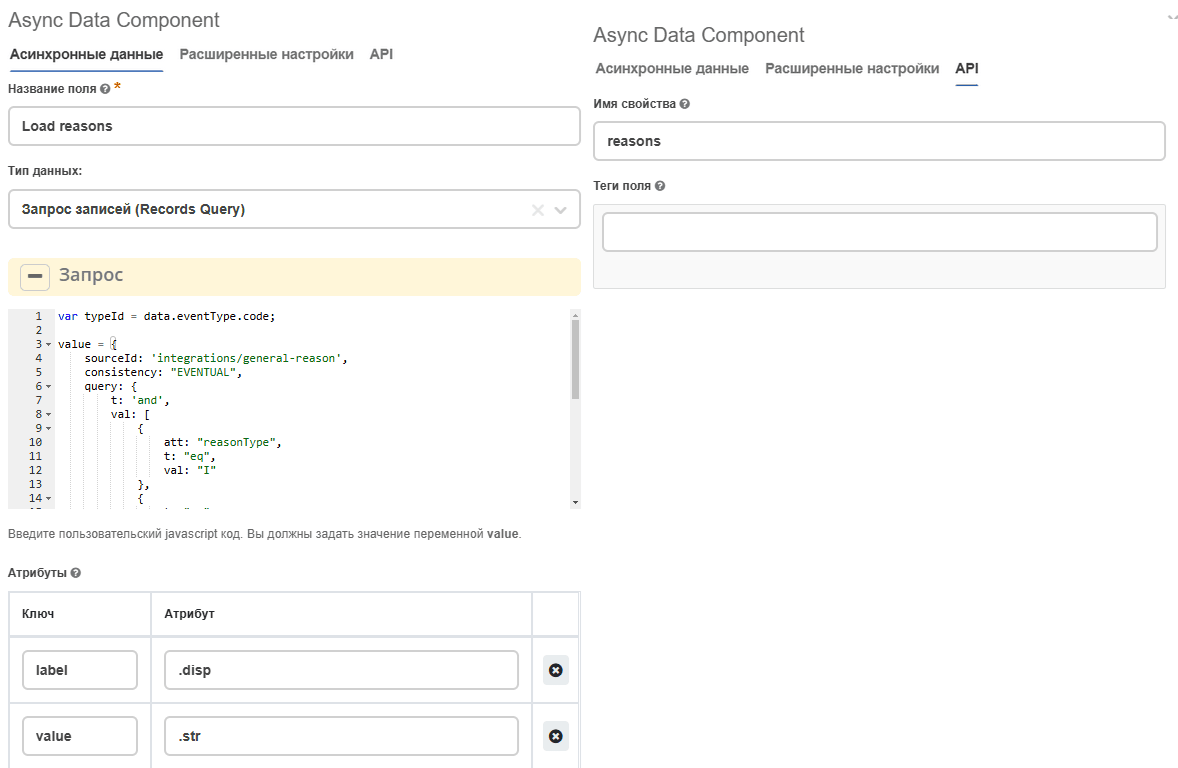
Filling examples for Custom source type
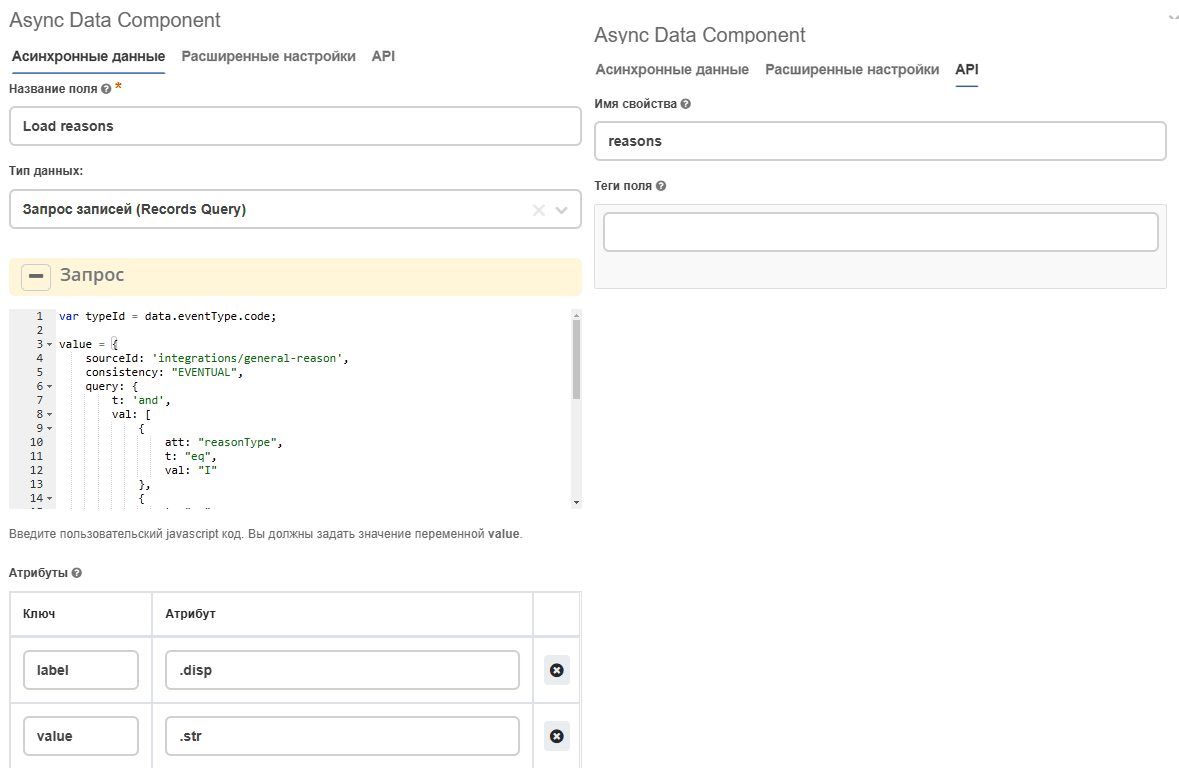
Data is taken from Async Data with the Records Query type:
|
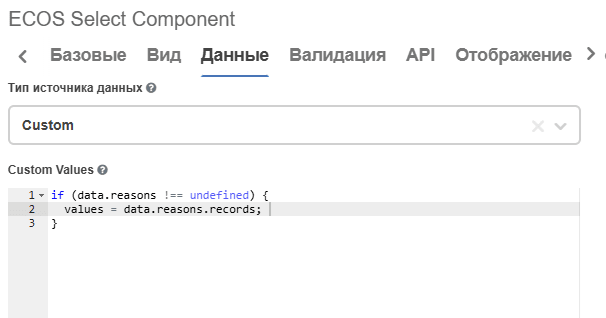
Data is taken from Async Data with the Records Array type: